
Echoes tutorials, step by step
Guides for the Chrome extension and the desktop app, with a screenshot for each click and a note on when you would use the feature.
Getting started
Install Echoes, connect your AI accounts and find your way around.
- ExtensionFree
Install the Echoes Chrome extension
Add Echoes from the Chrome Web Store and pin it to your toolbar.
3 steps · 2 min
 VideoExtensionDesktopFree
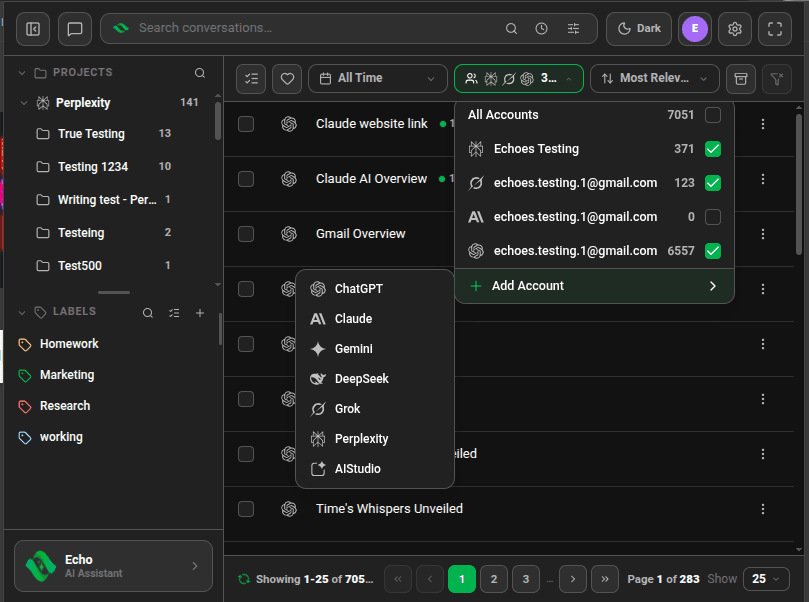
Connect your AI accounts
Add ChatGPT, Claude, Gemini, DeepSeek, Grok, Perplexity and AI Studio accounts, several per platform.
5 steps · 3 min
 ExtensionFree
Open Echoes as a popup, side panel or full tab
Three ways to open the extension, and when each one fits.
3 steps · 2 min
 DesktopFree
Install Echoes Desktop
Get the app for Windows, macOS (Apple Silicon) or Linux and connect your first AI.
4 steps · 2 min
Echo AI assistant
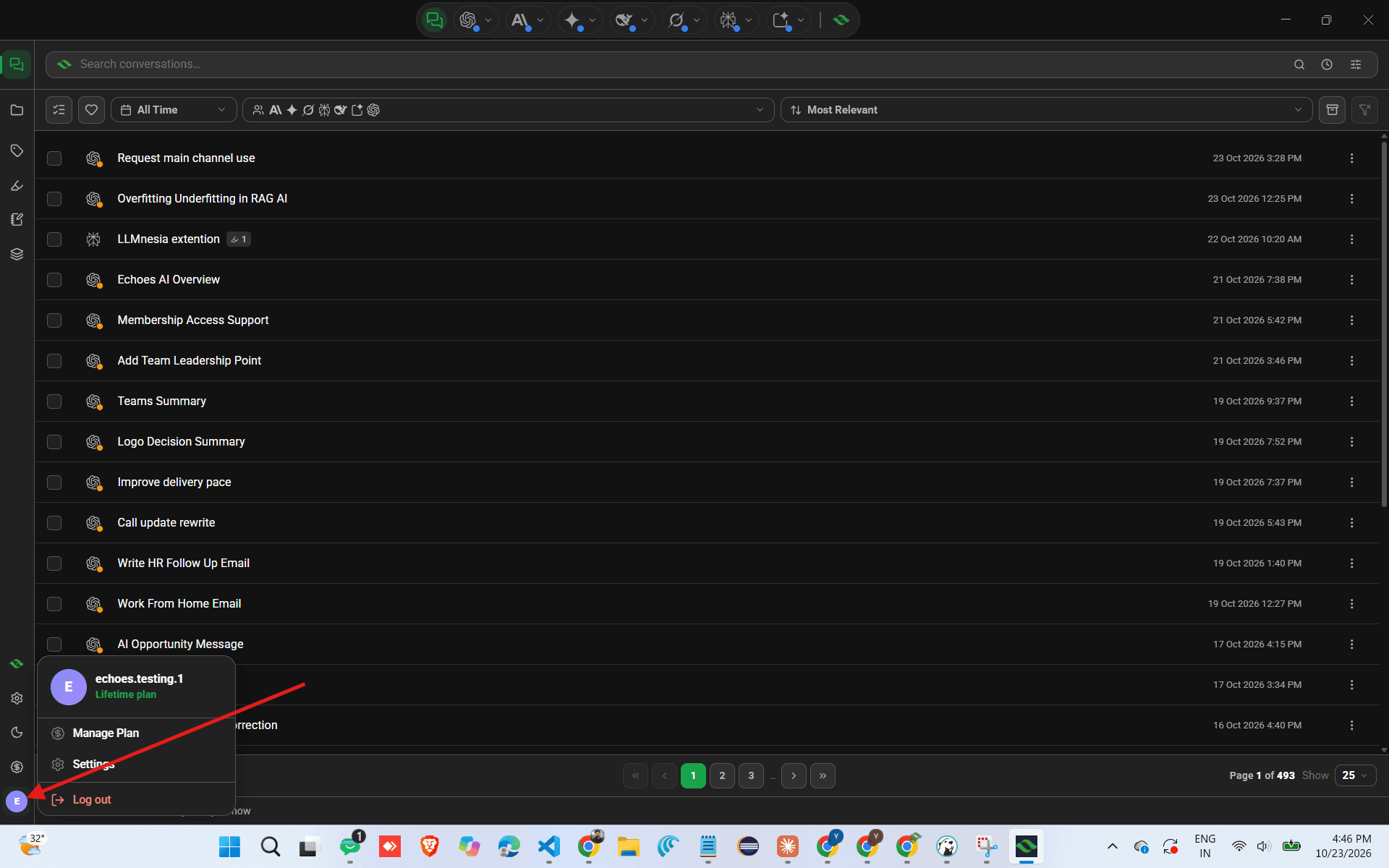
Ask Echo in plain English and it finds, filters and opens chats for you.
 VideoExtensionDesktopPlus & Lifetime
Ask Echo to find a conversation
Describe the chat in your own words and Echo runs the search for you.
5 steps · 3 min
 VideoExtensionDesktopPlus & Lifetime
Let Echo open, favorite and filter chats for you
Echo can search, open a chat, add or remove a favorite, and reset your filters.
4 steps · 2 min
 VideoExtensionPlus & Lifetime
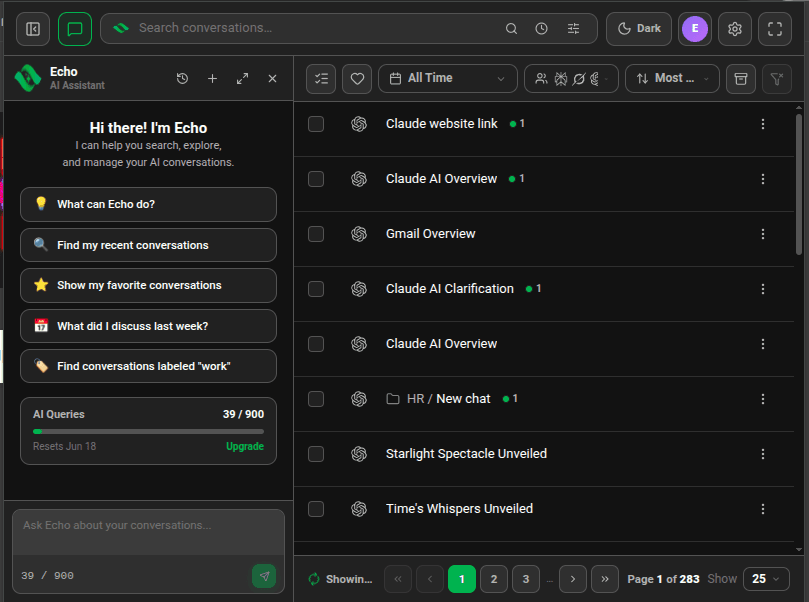
Use Echo in the sidebar, side panel or full screen
Pick the layout that fits, and come back to past Echo chats from history.
4 steps · 2 min
- VideoExtensionDesktopPlus & Lifetime
Check and top up your Echo AI queries
See how many queries you have left, when they reset, and how to get more.
4 steps · 2 min
Search
Find any conversation by keyword, phrase, date, account or platform.
 VideoExtensionDesktopFree, with limits
Find a chat with advanced search
Use AND, OR, NOT, exact phrases and filters like label: or date: in one search box.
5 steps · 3 min
- VideoExtensionDesktopFree, with limits
Search ChatGPT, Claude, Gemini and four more AIs at once
One search covers each account you connected. Narrow it to one platform or one account.
4 steps · 2 min
 VideoExtensionDesktopFree
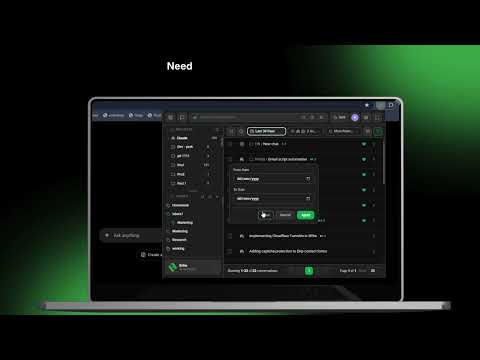
Filter chats by date
Pick Today, Last Week, Last 30 Days or a custom range.
3 steps · 2 min
- VideoExtensionFree
Jump to the exact line that matched
Preview matching lines in the list, then open the chat with every match highlighted.
3 steps · 2 min
- ExtensionDesktopFree
Rerun a recent search
The clock icon keeps your last searches so you can run one again in a click.
2 steps · 1 min
Organize
Projects, labels, favorites, archive and bulk actions.
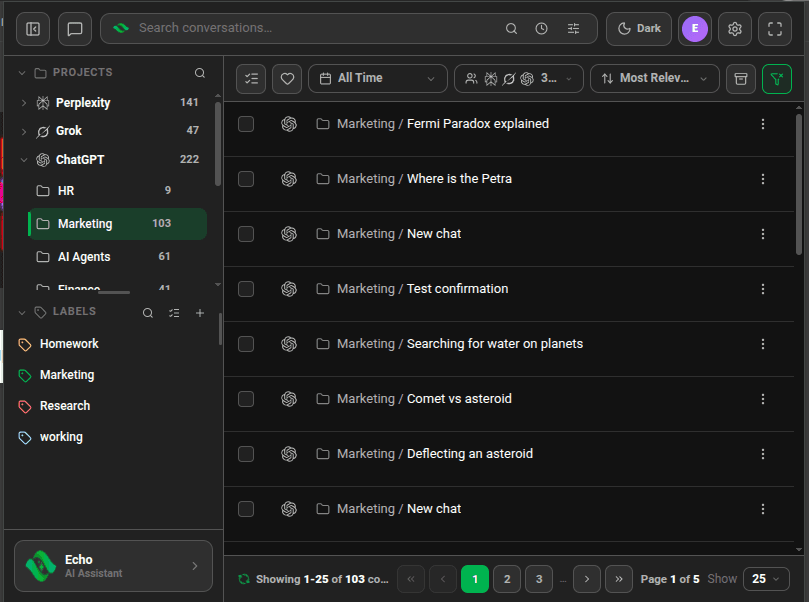 ExtensionDesktopFree
Browse your AI projects in one panel
See ChatGPT Projects, Claude projects, Grok workspaces and Perplexity Spaces side by side.
6 steps · 3 min
- VideoExtensionDesktopFree, with limits
Organize chats with labels and sublabels
Create colored labels, nest them, and tag chats from any AI by menu or by dragging.
6 steps · 3 min
- VideoExtensionDesktopFree, with limits
Keep important chats one click away with favorites
Heart a chat, then filter to your favorites with one button.
3 steps · 2 min
- ExtensionDesktopFree
Find your archived ChatGPT chats
Show the chats you archived on ChatGPT, which ChatGPT keeps out of your sidebar.
2 steps · 1 min
 VideoExtensionDesktopFree
Sort your conversation list
Order chats by relevance, title, creation date or last update.
2 steps · 1 min
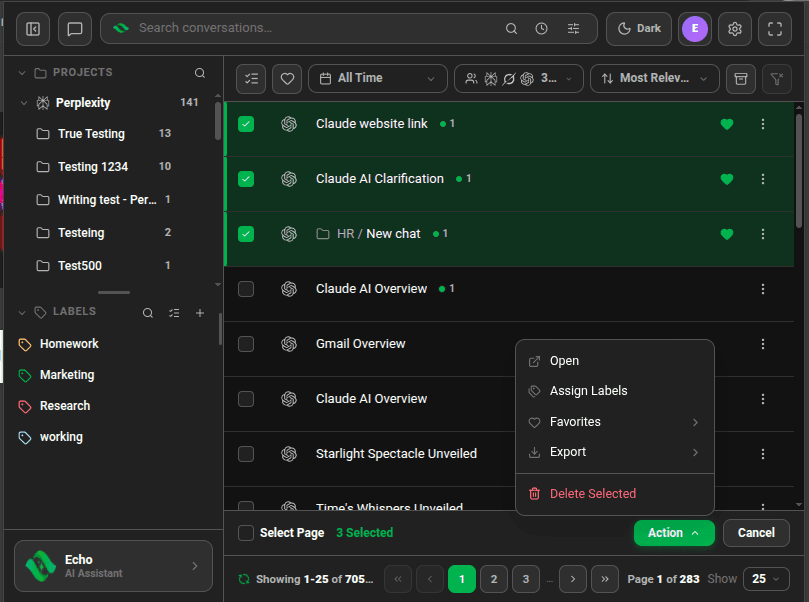 VideoExtensionDesktopFree, with limits
Label, export or delete many chats at once
Select chats and act on the whole selection from one Action menu.
4 steps · 2 min
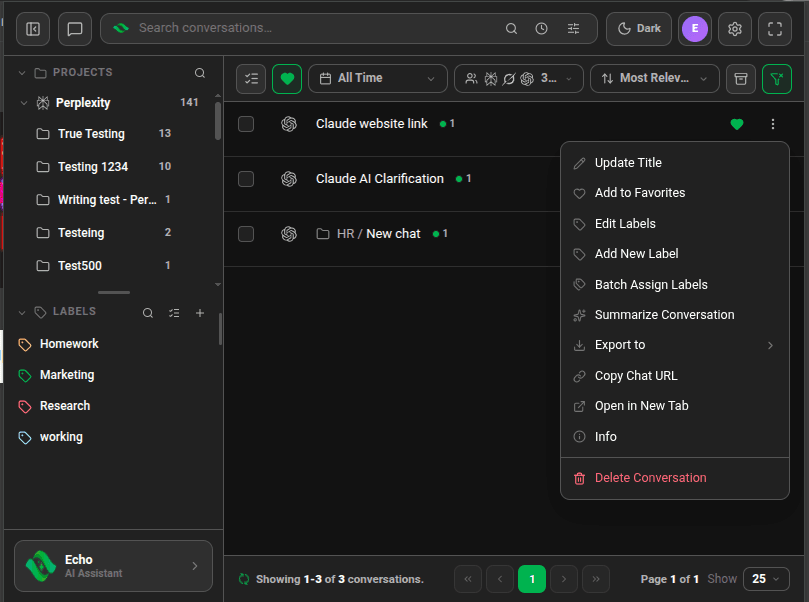 ExtensionDesktopFree
Rename or delete a chat
Fix "New chat" titles and remove chats you no longer need, on the platform itself.
3 steps · 2 min
Workflow
Summaries, exports, opening many chats at once and shortcuts.
- VideoExtensionDesktopFree, with limits
Summarize a long conversation
Get a short summary of any chat under its row, and set the prompt Echoes uses.
4 steps · 2 min
- VideoExtensionDesktopFree, with limits
Export chats to Markdown, HTML or JSON
Download one chat or a batch as files you own.
3 steps · 2 min
- VideoExtensionFree
Open several chats in tabs at once
Select chats and open each in its own browser tab in one click.
3 steps · 2 min
 VideoExtensionFree
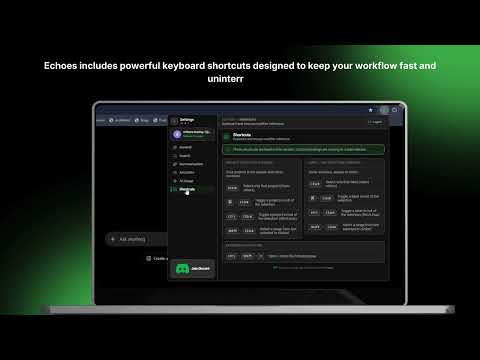
Open Echoes from the keyboard
Ctrl+Shift+E opens the popup, Alt+Shift+E opens the side panel. Change them in Chrome.
4 steps · 2 min
Settings & privacy
Accounts, sync, theme, AI usage and where your data lives.
- ExtensionDesktopFree
Where Echoes keeps your conversations
Your chats stay on your device. Here is what syncs to your account, and what Echo and summaries send.
5 steps · 3 min
 VideoExtensionDesktopFree
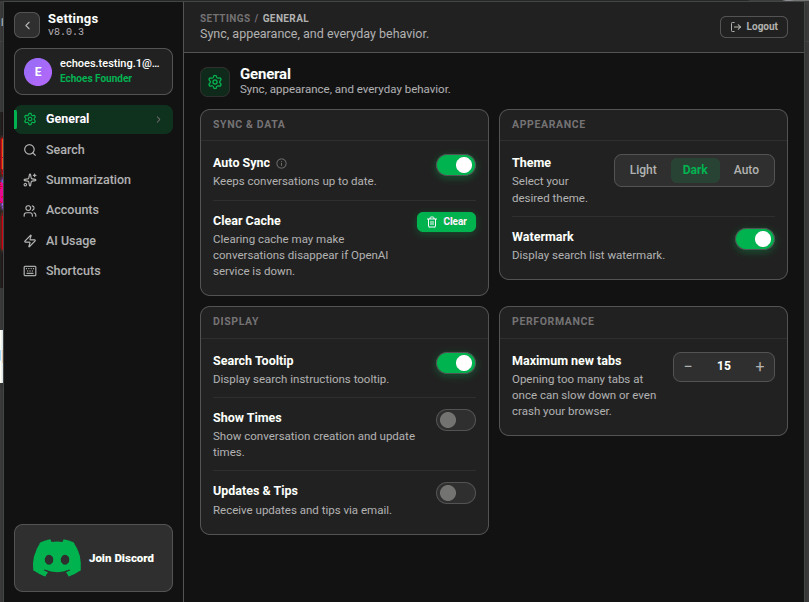
Switch between light and dark theme
Pick Light, Dark, or Auto to follow your system.
2 steps · 1 min
- ExtensionFree
Set up Echoes the way you like
Auto Sync, the floating button, chat dates, the product tour and more.
4 steps · 2 min
- ExtensionDesktopFree
Check your Lite plan usage
See how many searches, summaries and exports you have left this month.
3 steps · 2 min
Desktop app
Chat with seven AIs in one window, with tabs, highlights and handoffs between them.
 DesktopFree
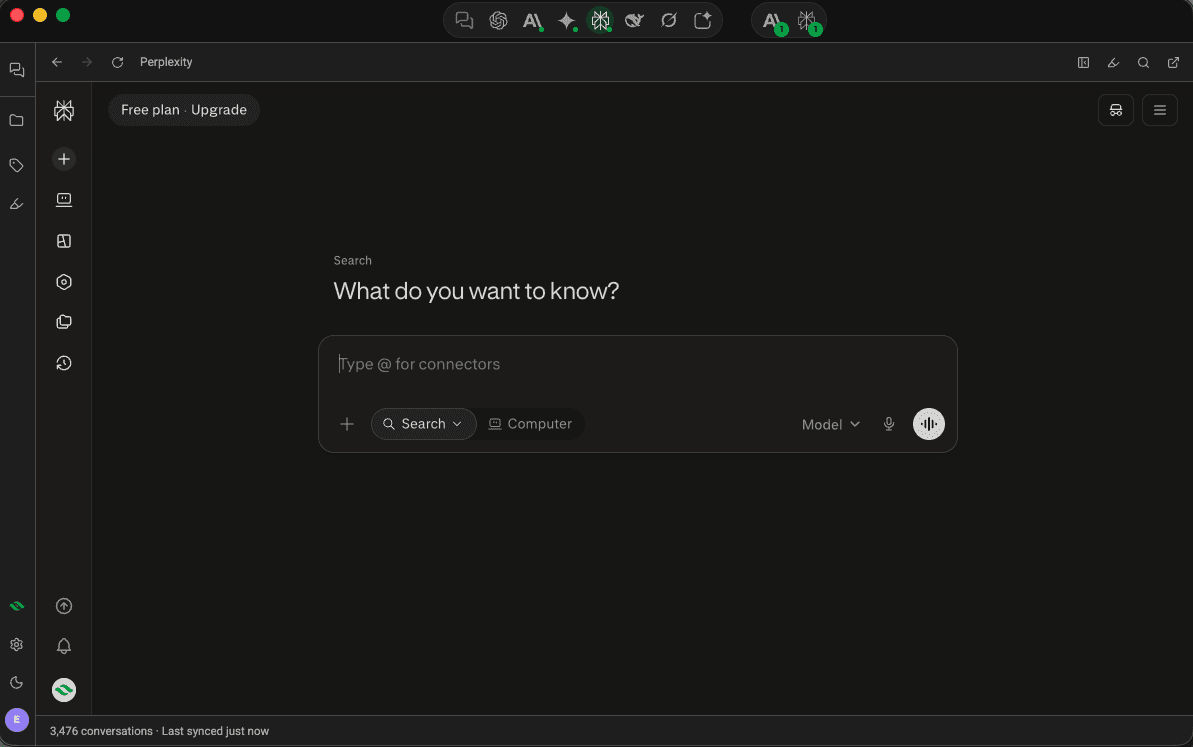
Chat with seven AIs in one window
Use ChatGPT, Claude, Gemini and four more inside Echoes Desktop, with your library one click away.
4 steps · 2 min
 DesktopFree
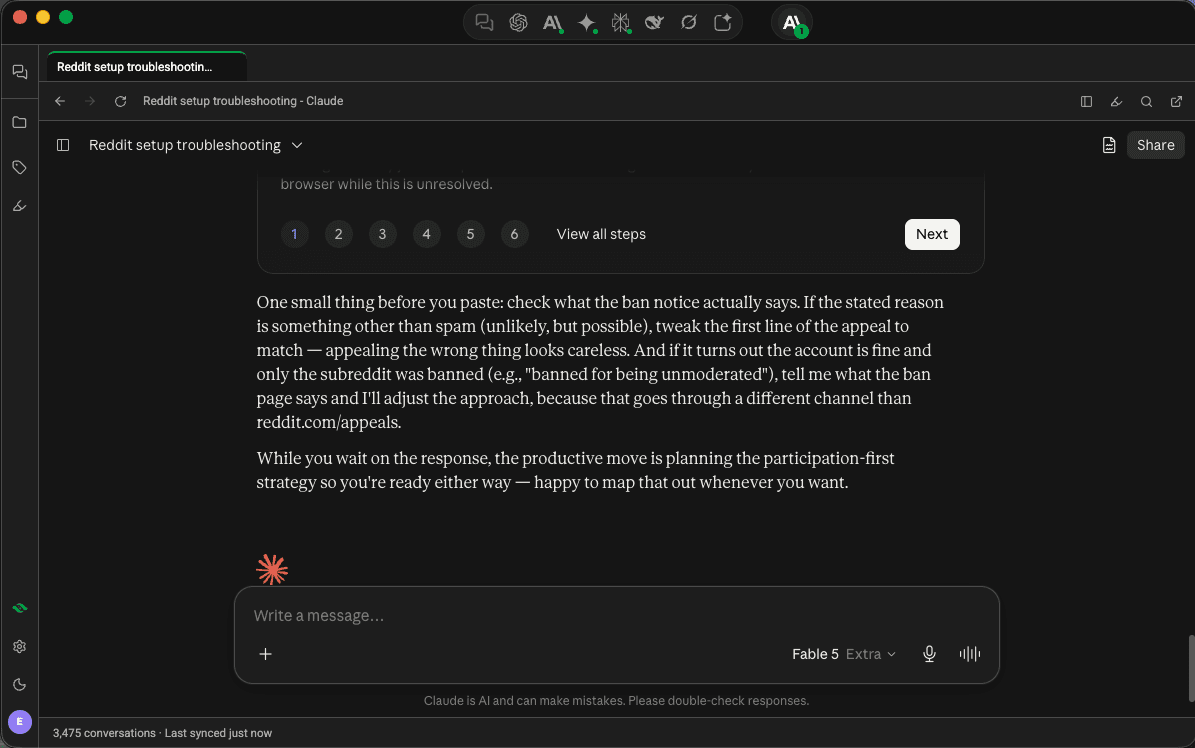
Keep several chats open as tabs, with your library beside them
Open chats in tabs, up to 10 per platform, and show your library next to the chat you're in.
3 steps · 2 min
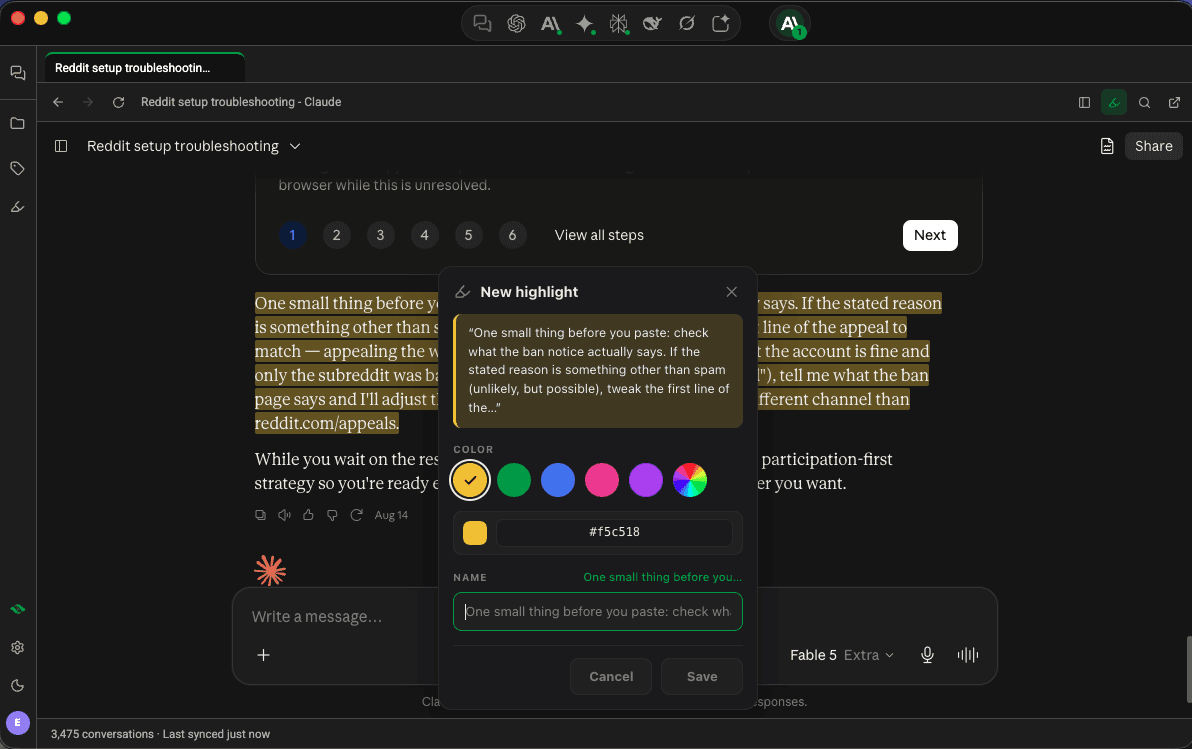 DesktopFree, with limits
Highlight a passage and come back to it
Mark text in any AI chat in five colors, name it, and jump back to it from the Highlights panel.
4 steps · 2 min
- DesktopFree
Continue a chat in another AI
Hand a ChatGPT chat to Claude, or any connected AI to another, with its context.
4 steps · 2 min
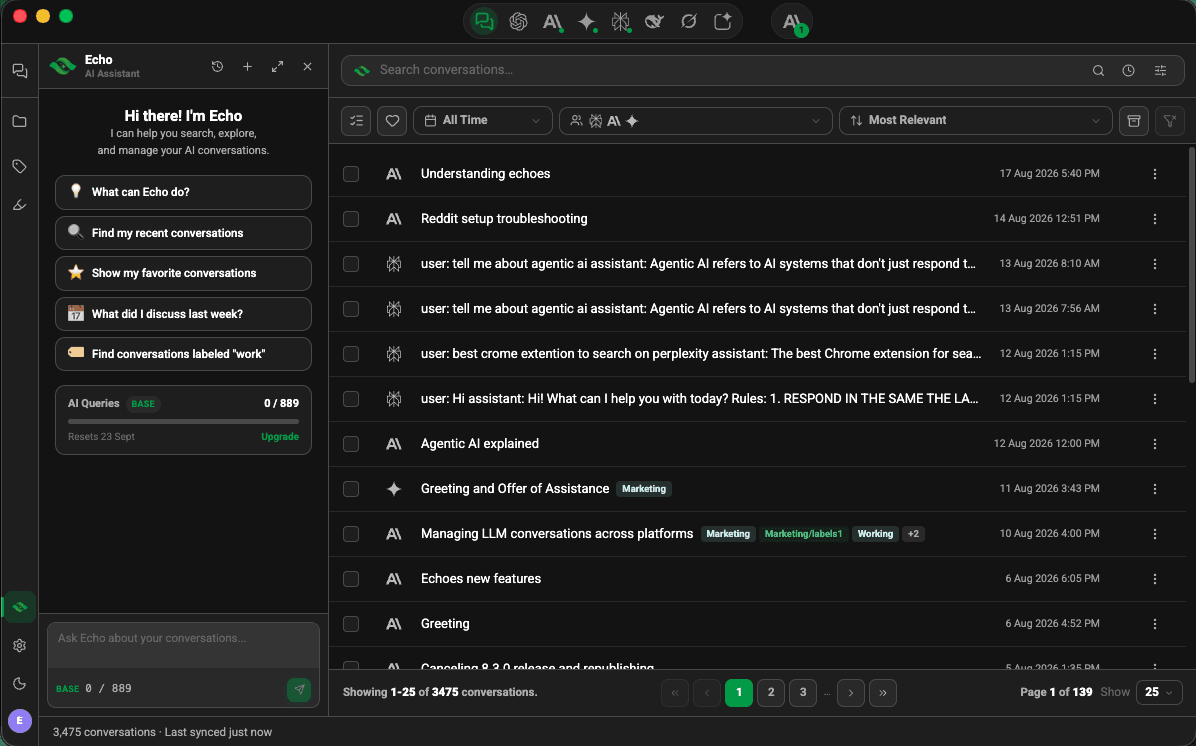 DesktopPlus & Lifetime
Run Echo on your own computer
Echoes Desktop downloads a small AI model so Echo answers on your machine.
3 steps · 2 min
- DesktopFree, with limits
Search your library without leaving a chat
Press Ctrl+K over any AI page, open a result, and step through the matches inside it.
4 steps · 2 min
- DesktopFree, with limits
Write notes and save passages into them
Keep markdown notes in Echoes Desktop and send text from any AI chat straight into one.
5 steps · 3 min
- DesktopFree
Group chats from different AIs into a Space
One project across your AIs: its chats, plus the facts that go with it.
5 steps · 3 min
- DesktopFree
Give each new AI chat your background
Save facts about you once, and add them to a new chat on any platform in one click.
3 steps · 2 min
- DesktopPlus for more than one
Connect more than one account on the same AI
A work and a personal ChatGPT, side by side, each with its own colored dot.
5 steps · 3 min
- DesktopSigned in
Turn a Space into a document, deck or web page
Echoes writes a Word document, a PowerPoint deck or a web page from the chats in a Space.
7 steps · 4 min
Prefer video?
Tutorials marked with a play icon have a video walkthrough. The YouTube channel has all of them.
Visit our YouTube channel →