
Ask Echo to find a conversation
Echo is the AI assistant inside Echoes. Open it from the Echo AI button on the left rail, ask something like "What did I discuss about pricing last week?", and Echo builds the search, fills in the filters and lists the chats it found.
5 steps3 minVideo walkthrough
Why it matters
Advanced search is fast once you know the syntax. Most days you don't want to think about OR and date:lastweek. You remember "that Claude chat about the onboarding emails, a couple of weeks ago". Echo turns that sentence into the right search and filters, and you see them applied in the search box so you learn the syntax as you go.
Step by step
- 1
Sign in with Plus or Lifetime
Echo needs an Echoes Plus or Lifetime account. Click Sign In at the bottom of the left rail and enter your email. The extension emails you a sign-in link (click Send Sign-In Link, then open the link within an hour). The desktop app emails a 6-digit code (click Email me a code, then type the code).
- 2
Open Echo
Click the Echo AI button on the left rail. Echo opens with the greeting Hi there! I'm Echo, five suggested questions and your remaining AI queries.
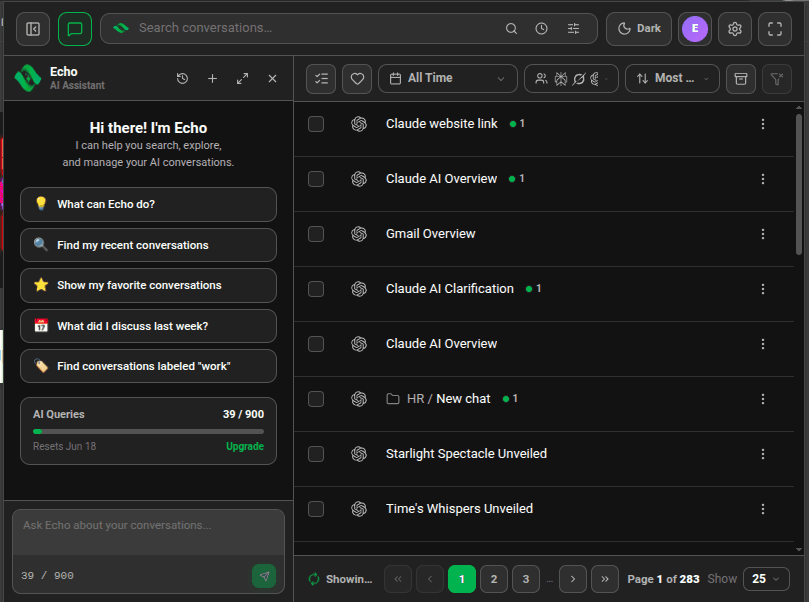
Echo panel with greeting, suggested questions and the AI Queries counter - 3
Ask your question
Type in Ask Echo about your conversations… and press
Enter(Shift+Enteradds a new line), or click a suggestion. Mention what you remember: a topic, a platform, a label, a rough date. - 4
Read the answer and the list
Echo replies in the panel and updates the conversation list next to it. The search box and filter buttons show what Echo applied, such as
favorite:trueor a date range, so you can adjust them by hand.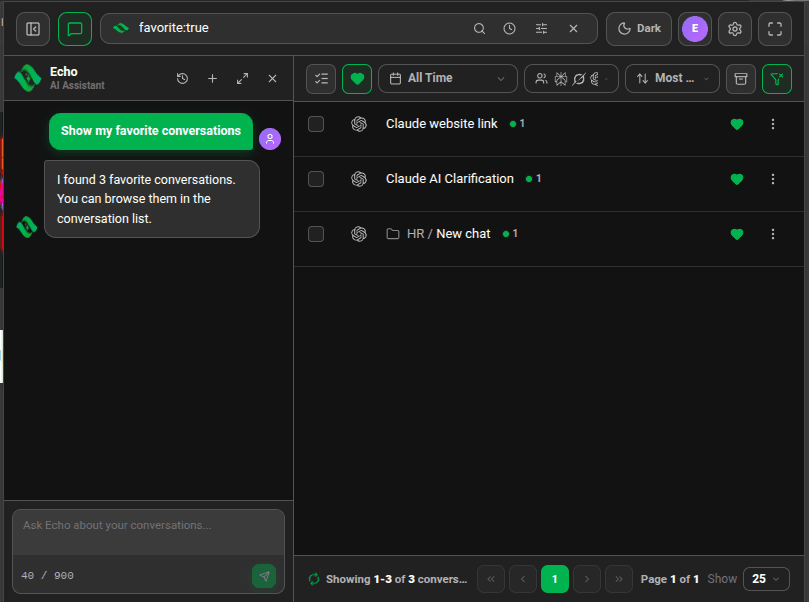
Echo answering "Show my favorite conversations" with the list filtered to three favorites - 5
Open the chat
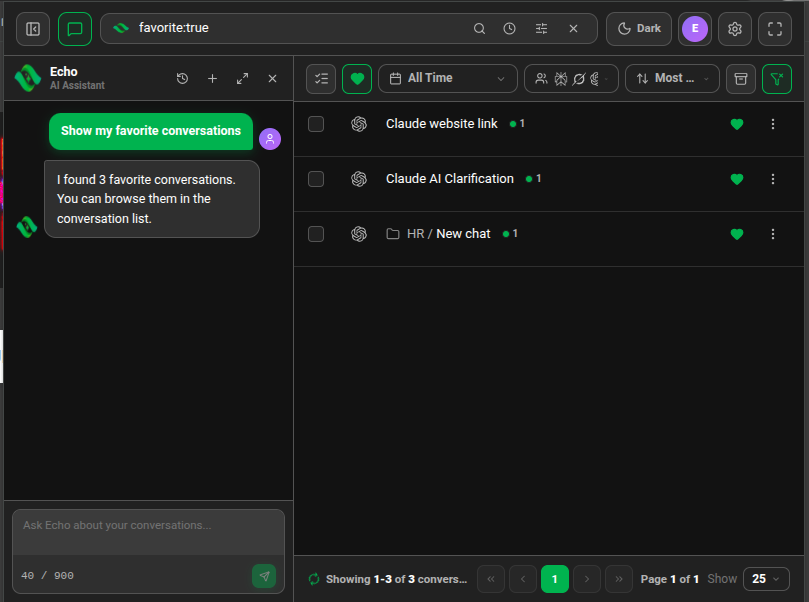
Click a result in the list, or ask Echo "open the first one". Echo opens the chat on its platform in a new tab, with your search words highlighted.

Good to know
| Plan | Limit |
|---|---|
| Lite (free) | Not available |
| Plus & Lifetime | 50 AI queries every 30 days |
| AI Pro / AI Power add-on | 500 / 2,000 more queries every 30 days |
- One question you send uses one query. Echo's own follow-up searches inside that answer don't cost extra.
- Echo answers questions about your conversations. For help using Echoes itself, use the support chat on this site.
FAQ
Can Echo read the full text of my chats?
Echo works from search results: it sees the titles, platforms, dates and message counts of up to 20 matching chats. It doesn't send the message text of your chats to the AI.
Is Echo available on the free Lite plan?
No. Echo needs Plus or Lifetime, which include 50 queries every 30 days.
Related tutorials
- ExtensionDesktopLet Echo open, favorite and filter chats for youEcho can search, open a chat, add or remove a favorite, and reset your filters.
- ExtensionDesktopCheck and top up your Echo AI queriesSee how many queries you have left, when they reset, and how to get more.
- ExtensionDesktopFind a chat with advanced searchUse AND, OR, NOT, exact phrases and filters like label: or date: in one search box.
Try it in Echoes
The free Lite plan covers all seven AI platforms. No card needed.